Our office coffee tally is in. Launch week nearly broke the machine.
Cups of coffee per week
Beta For Windows 10 and 11 · Speaks English and Bengali
Pyxi is a little firefly that lives beside your cursor. Hold Ctrl Alt and ask about anything on your screen. It answers out loud, points at the right thing, writes on the page, builds it in 3D, or does the clicking for you when you let it.
Free beta with an invite code. No API key or payment needed.
Version 0.1.12 · 166 MB · Mac is next on the roadmap
Explained in 3D
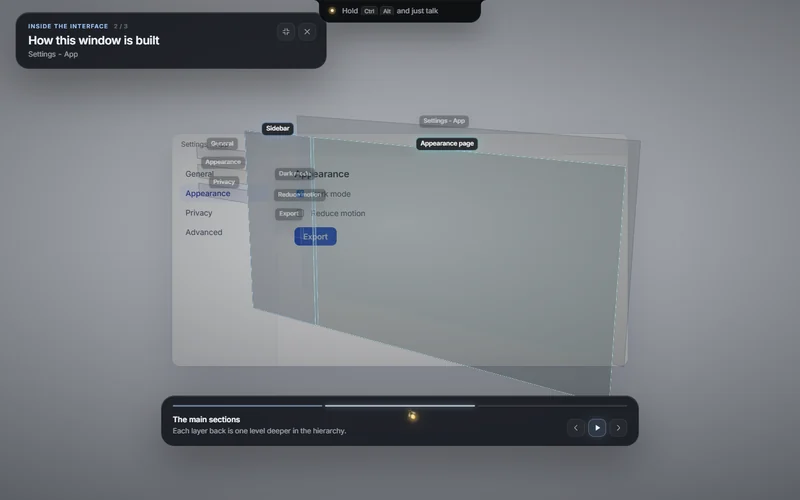
Not a picture and not a video. Pyxi puts a real-looking model together from parts, in real 3D, on top of whatever you have open, and talks you through it step by step. Turn it around, look inside, or ask for a change and the same model changes.
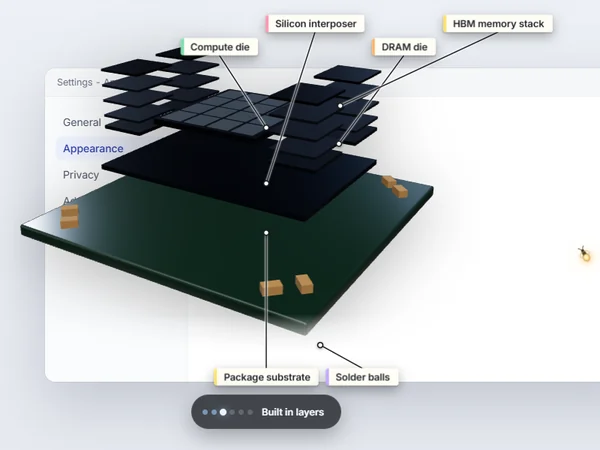
Pyxi's walkthrough spoken out loud in the app
All three are drawn live in your browser rather than played from a video. The engine and the ejection seat are Pyxi's own models; the RAM guide was built for this page to show the kind of how-to Pyxi makes. In the app they float over your real windows and Pyxi tells the story out loud. Here the steps are written beside the model.
Explains any picture
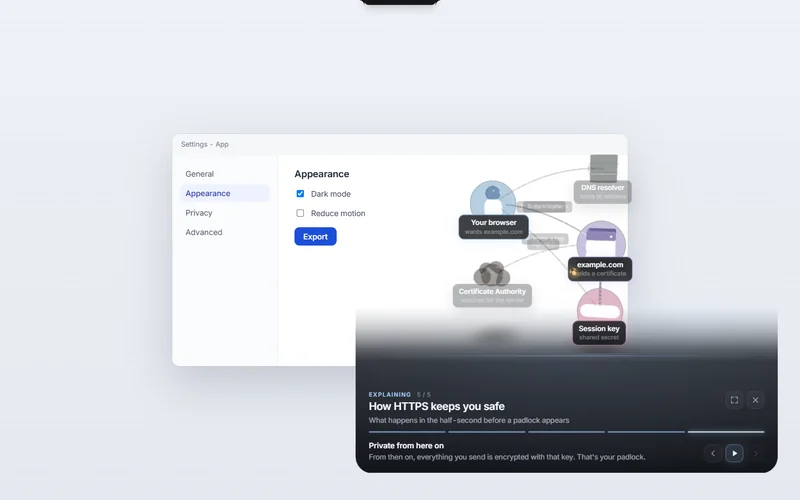
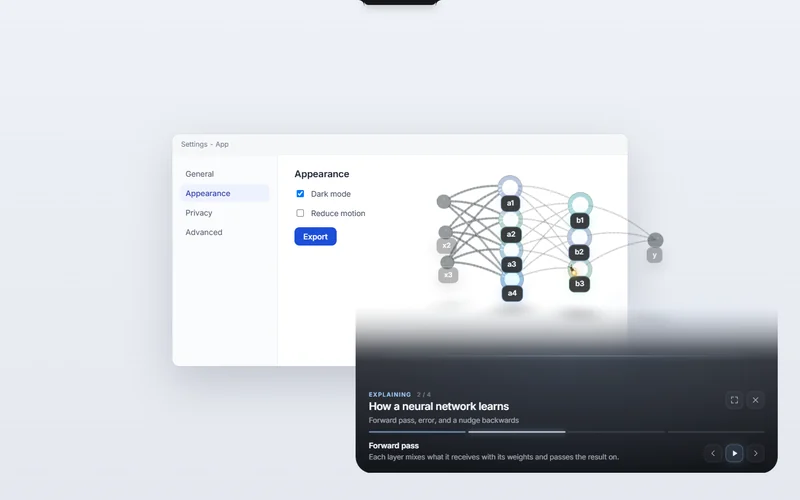
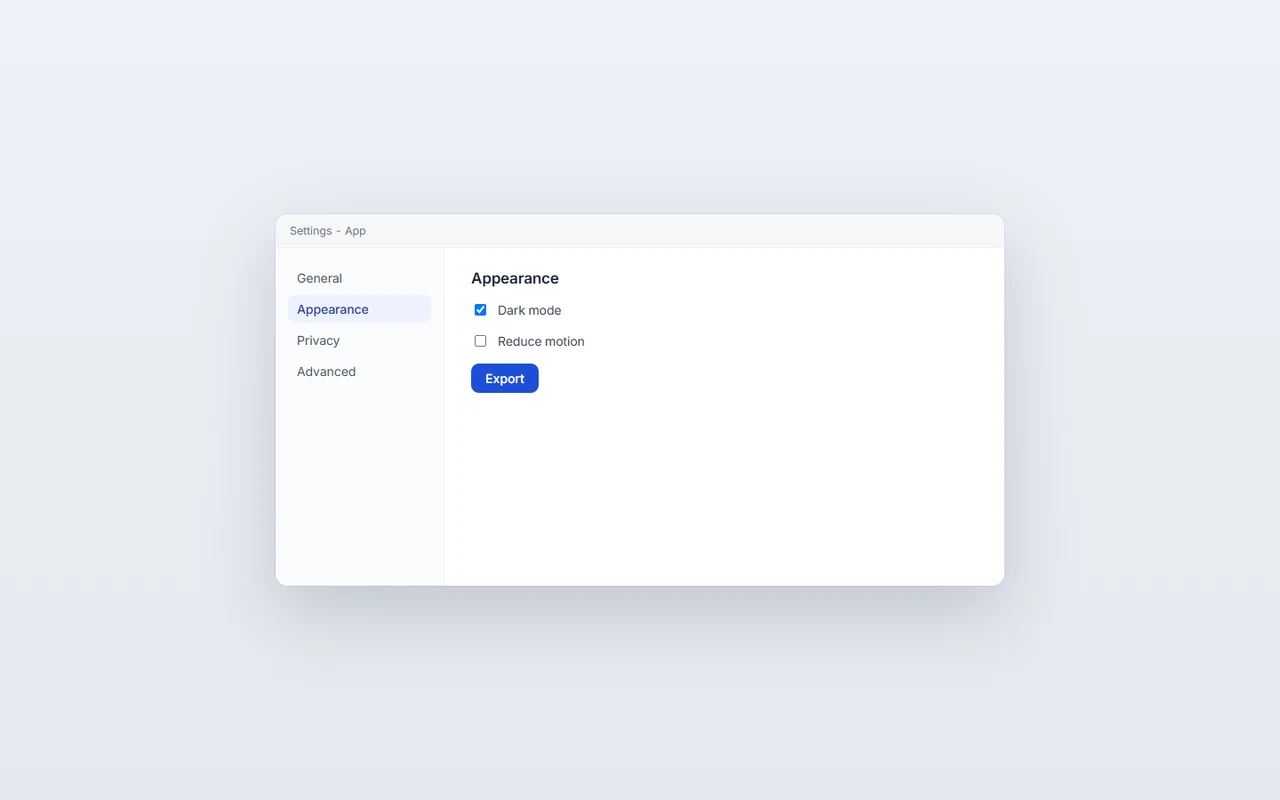
A heart, an engine cutaway, a circuit, a map. Pyxi finds the real parts in the picture on your screen, pins a name on each one as it says it, and traces how things move from one to the next. Nothing is redrawn: it writes on the picture you already have open.
This is a replay on a drawing made for this page. In the app Pyxi does it on whatever picture is on your screen, labelled or not, and says each line out loud as its tag appears.
01 / 05
You paste a screenshot in and read paragraphs out.
02 / 05
It already sees what you see, and it answers on top of it.
03 / 05
One look at the window you're on: the picture, and the names and positions of the controls on it. Nothing in the background unless you turn that on.
04 / 05
Rings, arrows, handwritten notes and 3D scenes, each drawn the moment Pyxi says it. You hear the answer and see it in the same place.
05 / 05
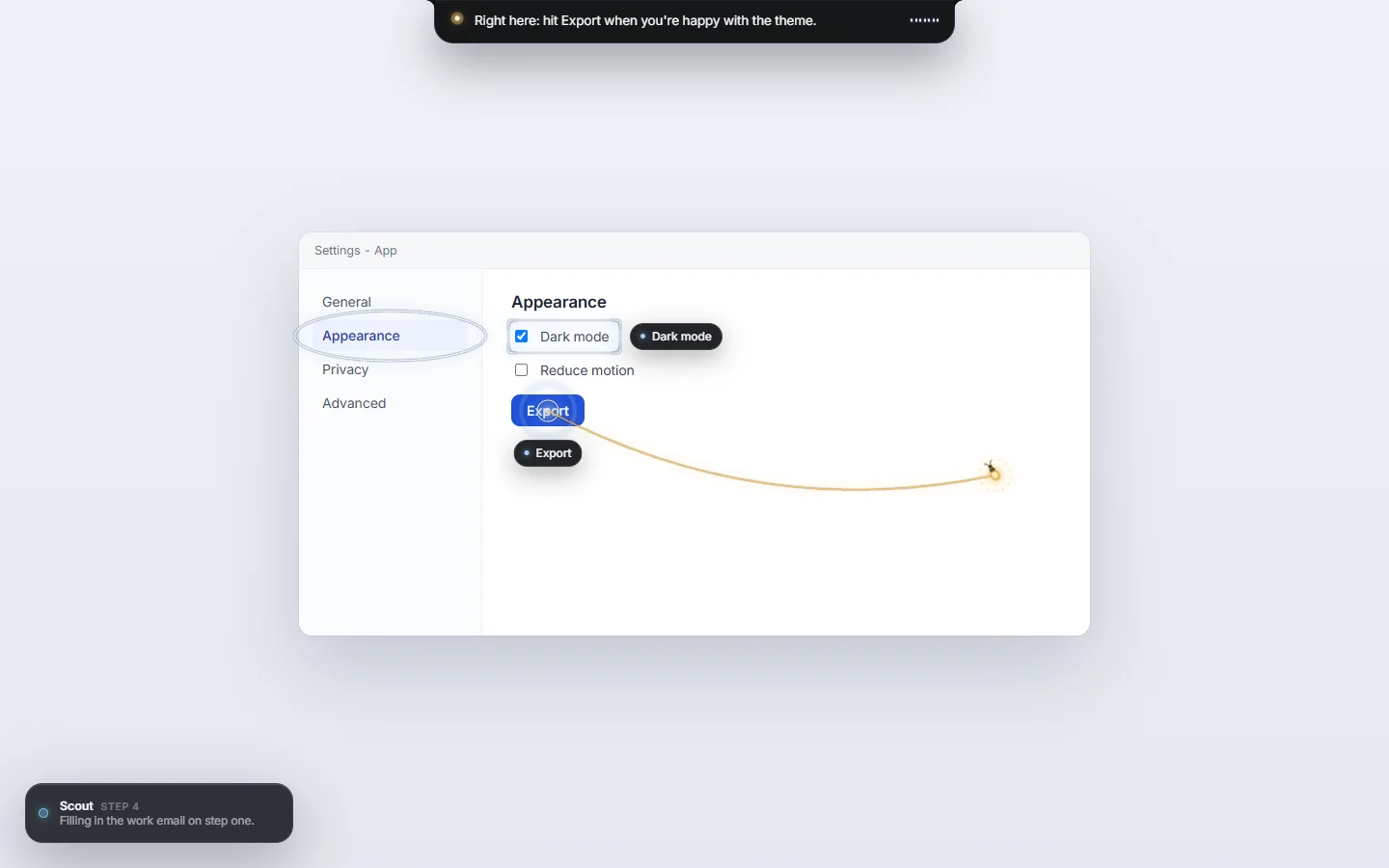
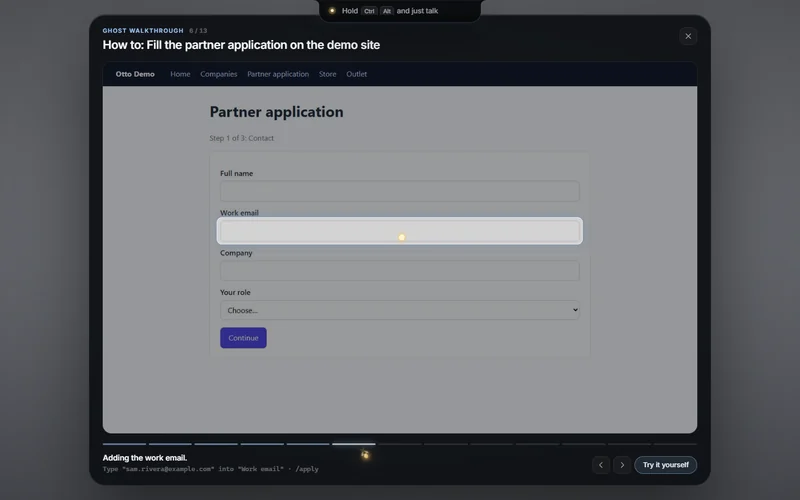
Pyxi can move your mouse and type after you press Allow. Move the mouse or press Esc and you're back in control on the spot.
How it works
Move your mouse over the window: wherever Pyxi hovers, the screen turns to glass. Hover a step to hold it.Pyxi's lens roams the window on its own. Tap a step to hold it.
Watch it work
Ask in your own words. Pyxi explains what's on your screen right where it is, writes the email, books the meeting, and sends Scout off to research in the background while you keep working. Anything that reaches another person, or costs money, waits until you press Allow.
Our office coffee tally is in. Launch week nearly broke the machine.
Sam Rivera <sam.rivera@example.com>
Hi! I've attached the draft letter. Can you check that the dates are right before I sign it?
Letter-draft.docxGoals for the quarter, in order of how much they matter.
Illustrated with made-up names and addresses, using Pyxi's own cue cards and approval cards. Pyxi works in any app you can see; emails and invites go through the Google account you connect.
Explore
Download the beta, join with your invite code, and hold Ctrl Alt.
Version 0.1.12, 166 MB. Windows 10 and 11.
By installing you agree to the terms of use and privacy policy.